On-device transcription
Record or import. Keep working offline.
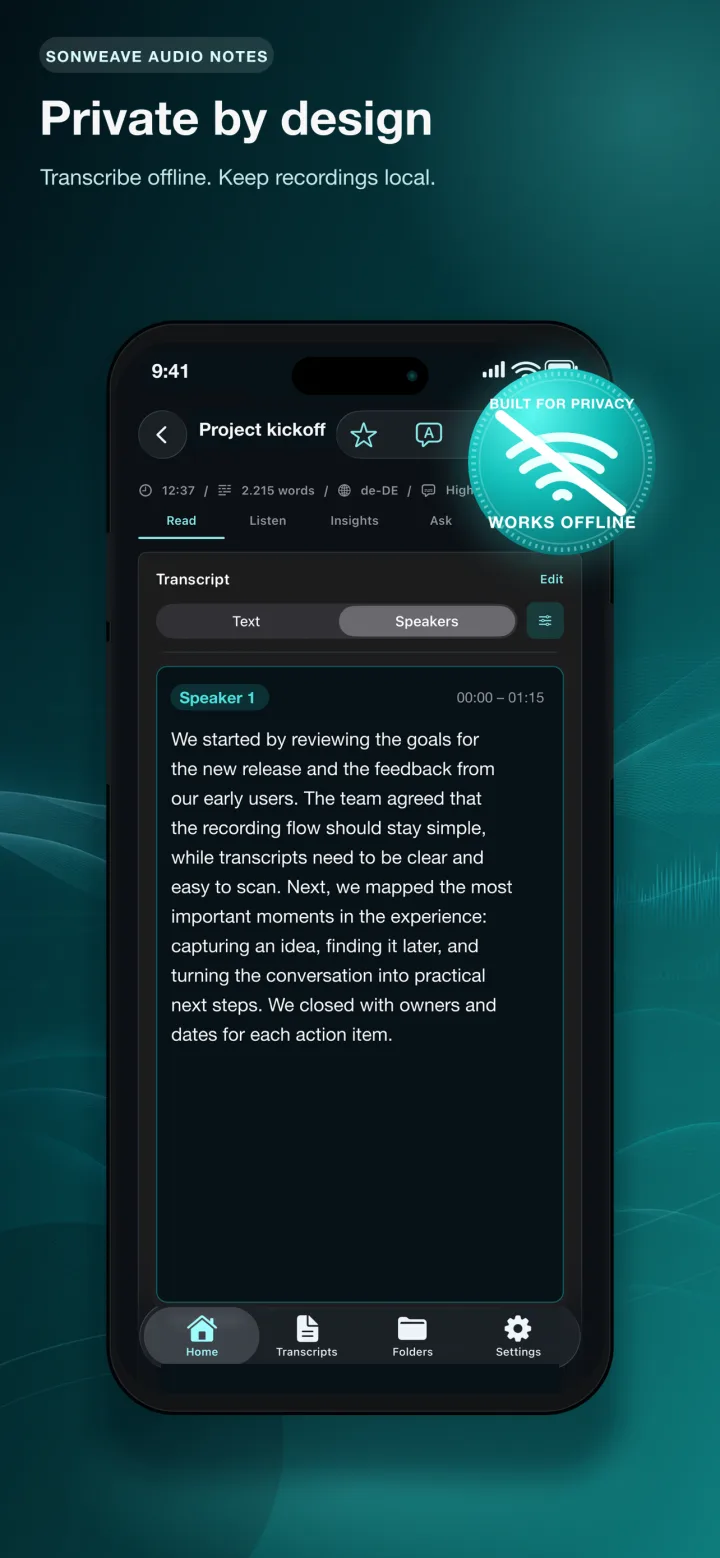
Transcribe recordings, voice messages, meetings and audio or video files with local Apple Speech, Whisper or Parakeet options selected for the chosen language and device.
 SonWeave
Private AI notes for iPhone & iPad
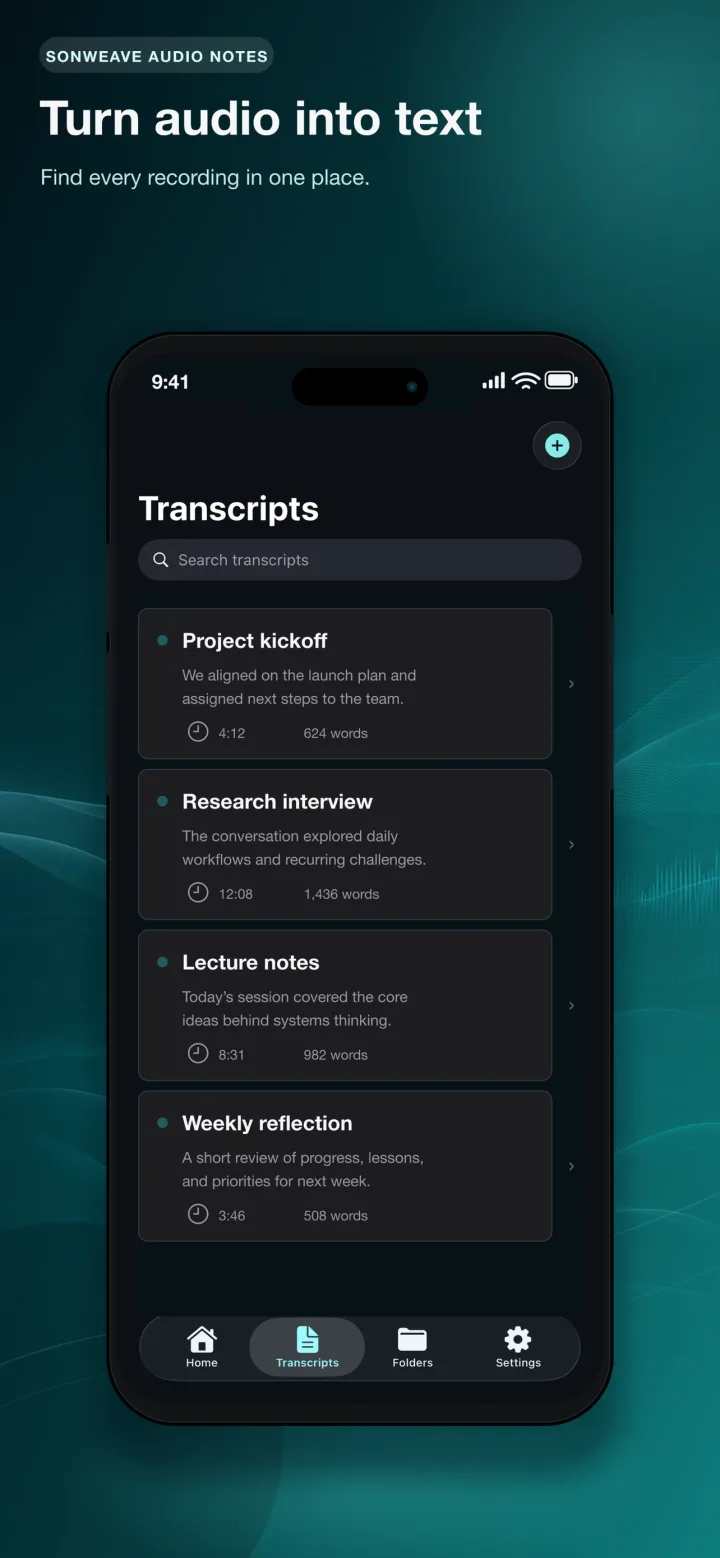
Record meetings, lectures and ideas or import audio and video. SonWeave turns them into searchable transcripts with speaker labels, summaries and transcript-aware chat — processed on your device whenever the selected feature and device support it.
Built with the ambition to be one of the best offline transcription apps for iPhone.
Made for conversations that should not become somebody else's data
SonWeave AI Notes
SonWeave connects recording, transcription, speaker diarization and local AI tools in one private workflow.
On-device transcription
Transcribe recordings, voice messages, meetings and audio or video files with local Apple Speech, Whisper or Parakeet options selected for the chosen language and device.
Speaker diarization
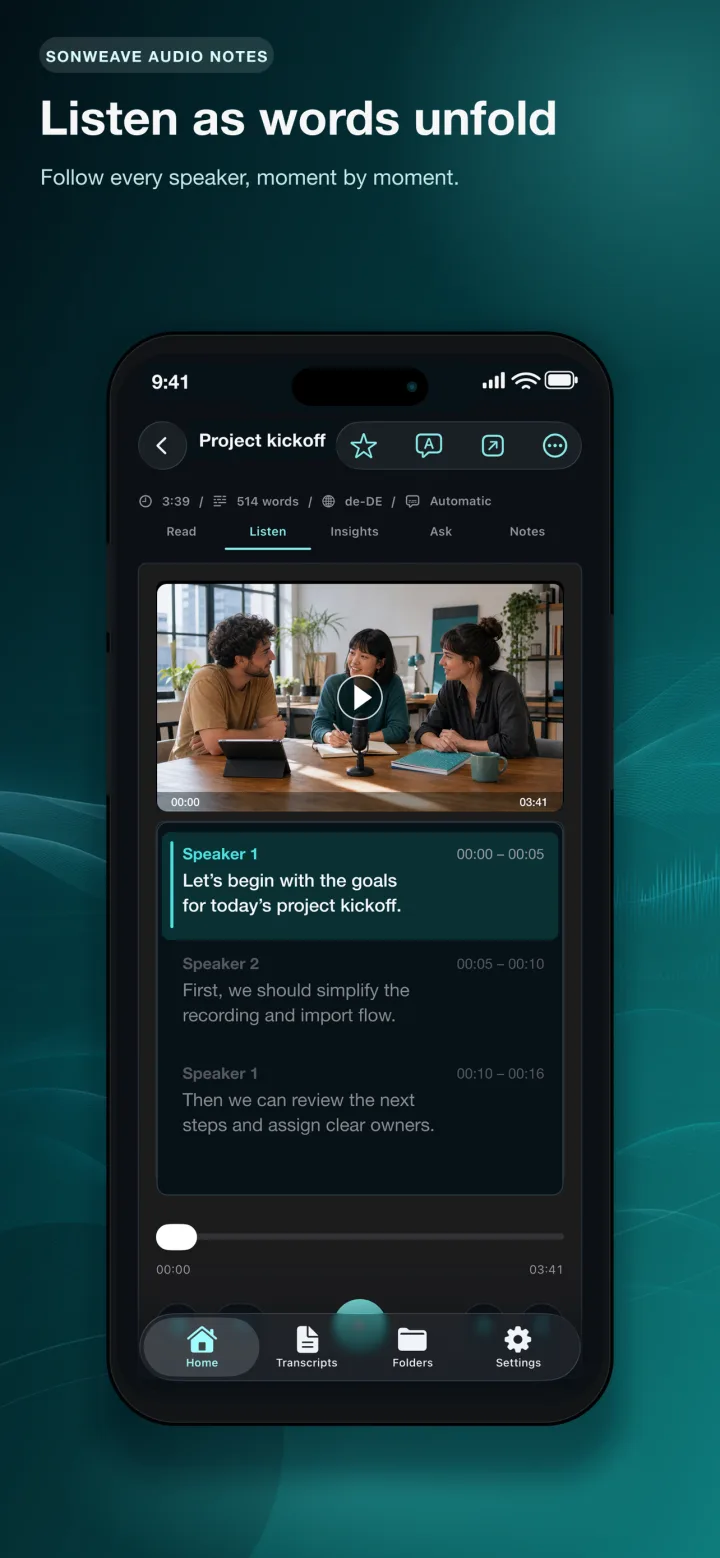
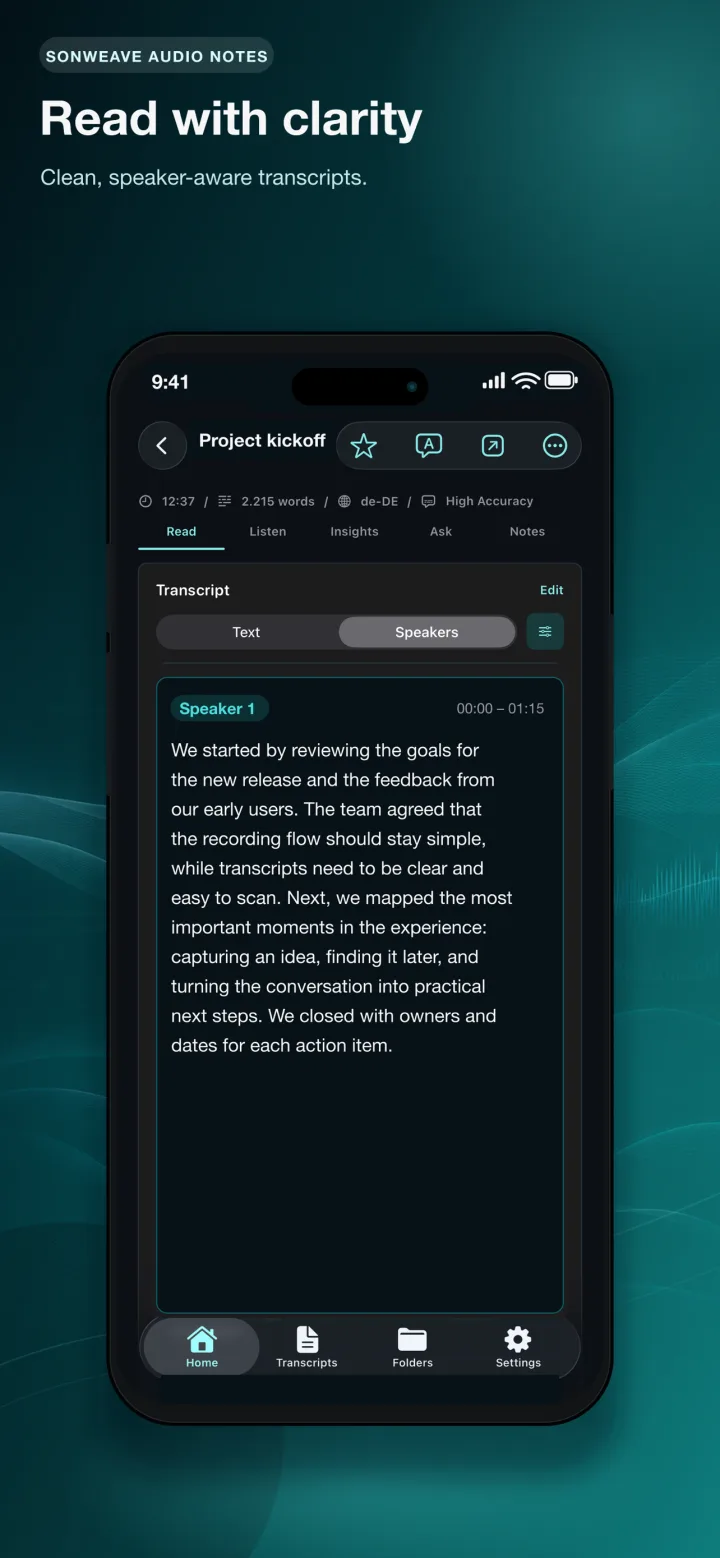
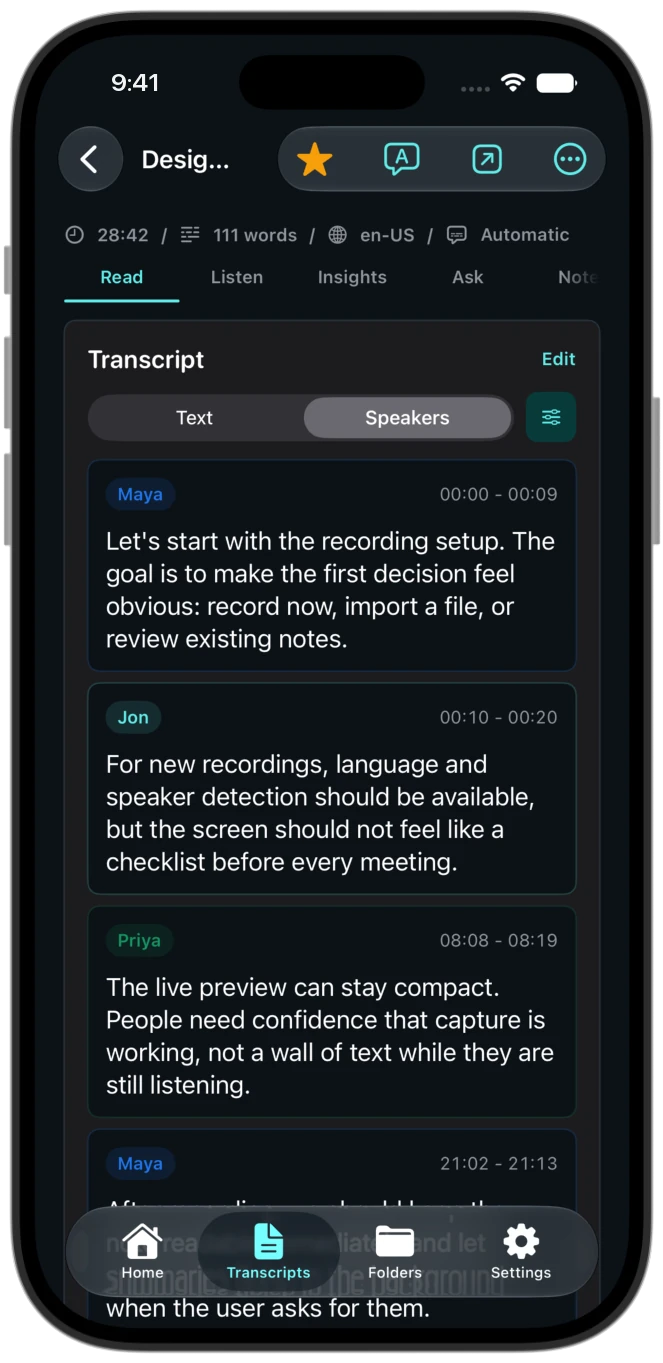
Turn a wall of text into a readable conversation. SonWeave can identify speaker turns, label them with distinct colors and let you rename speakers.
Transcript chat
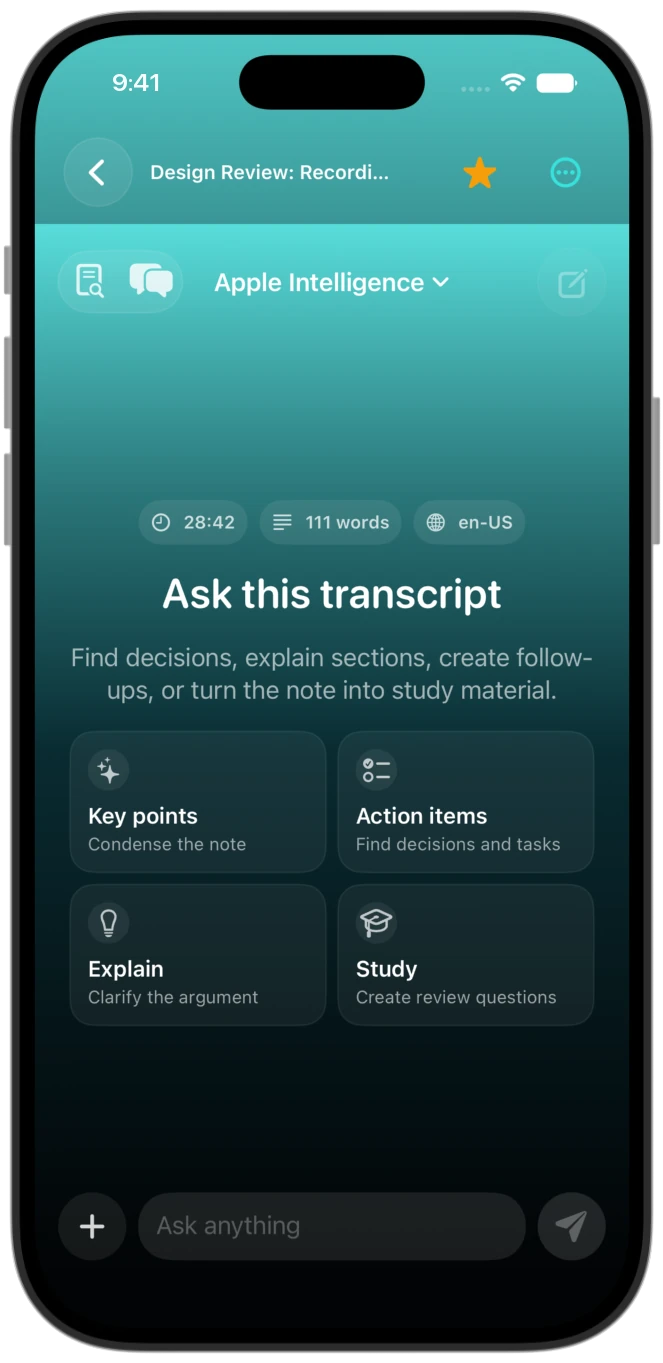
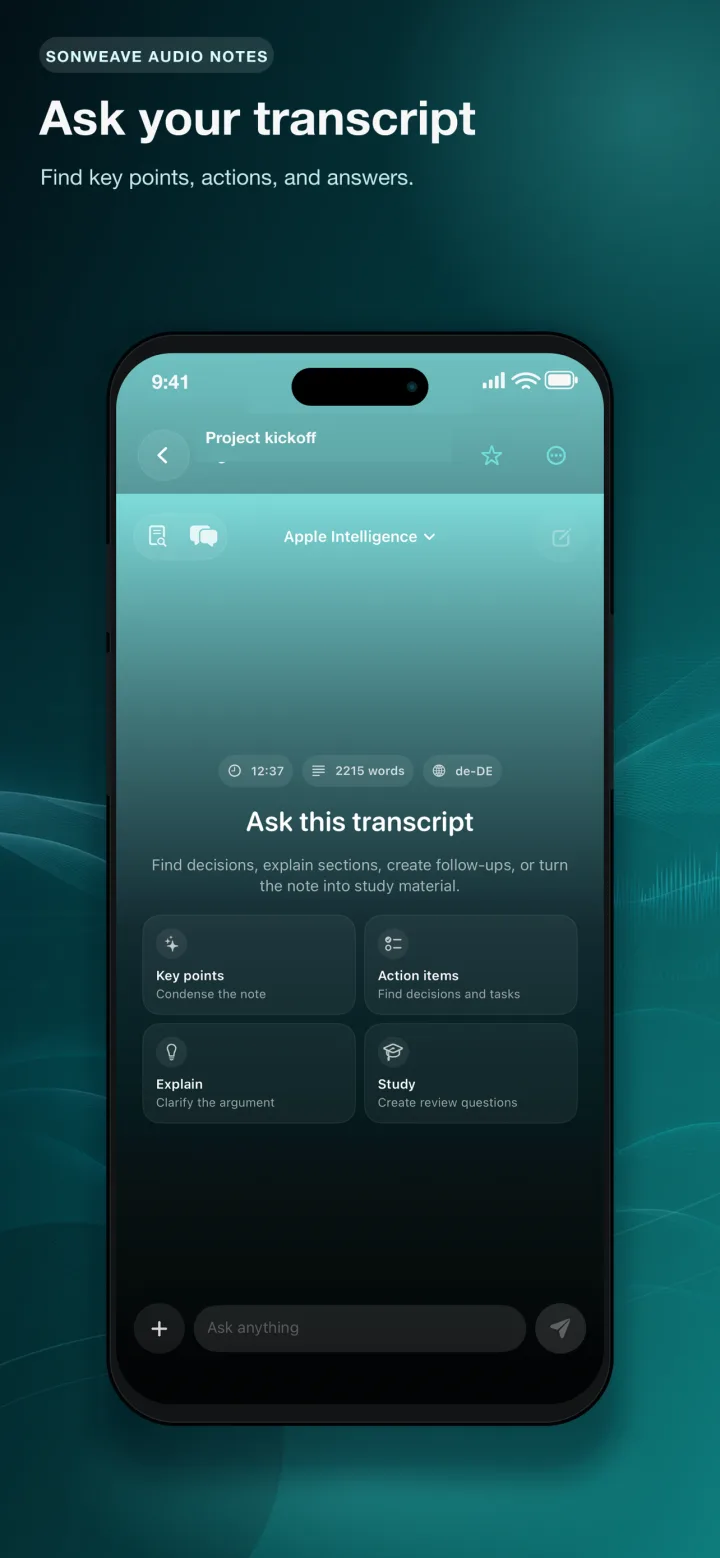
Ask follow-up questions, retrieve decisions and find details grounded in the transcript. Compatible devices can use an on-device language model.
Useful outputs
Generate summaries, key points, chapters and study questions, then search, organize, edit and export as PDF, TXT, Markdown, Word, SRT or VTT.
Offline speaker diarization
SonWeave separates speaker turns locally and keeps timing connected to the audio. Rename labels once and make interviews, meetings and discussions immediately easier to scan.
Transcript-aware chat
The chat works with the transcript as its source. Ask about decisions, objections, names, deadlines or missing information without replaying the entire recording.
Local chat availability depends on device, language model and system support. External AI sharing happens only when you explicitly choose it.
Transcript chat →Privacy by architecture
SonWeave does not require an account, run its own transcription server or include advertising and analytics SDKs. Your content stays under your control.
Recordings, transcripts, speaker labels and local AI results are processed and stored on your device by default.
Start using the app without registration, profiles or a cloud workspace operated by us.
If you enable sync, your content is stored in your private Apple iCloud account. SonWeave cannot access it.
Content leaves the app only when you export it, share it or deliberately open it in another service.
Features
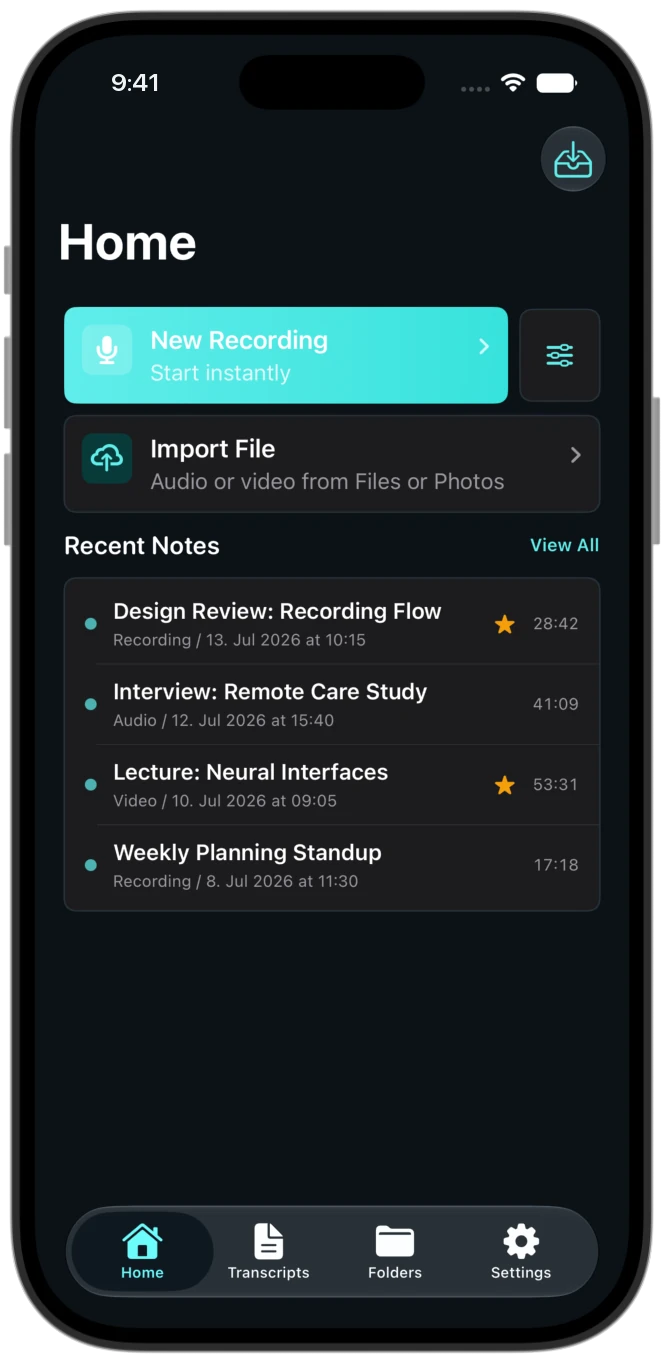
Capture a new recording or share audio and video from Files, Photos, Voice Memos, WhatsApp and other apps.
SonWeave shows only transcription engines compatible with the selected language and checks Apple Speech support on the device.
Review speaker-labeled text, chat with the transcript, create local notes and export the result in the format you need.
Honest launch pricing
SonWeave launches at a one-time price instead of turning every meeting into another monthly subscription.
Final App Store price and taxes can vary by storefront. No subscription is required for the current paid version.
The subscription math
SonWeave launch price: €5.99 onceFAQ
Straight answers about offline processing, speaker labels, transcript chat, languages and pricing.
SonWeave is an iPhone and iPad app for recording or importing audio and video, transcribing it, separating speakers, generating useful notes and asking questions about the transcript.
Core recording and supported local transcription workflows can work offline after required models are available. Optional model downloads, iCloud Sync and deliberate sharing to another service require a connection.
Not through SonWeave's own services. Recordings and transcripts are processed locally by default. Content leaves only when you enable iCloud Sync or deliberately export, share or open it in another app or service.
Yes. When speaker detection is enabled, SonWeave can identify speaker turns locally, display color-coded labels, let you rename speakers and include speaker information in supported exports.
Yes. On compatible devices, SonWeave can answer transcript-grounded questions with an on-device language model and keep conversational context for follow-up questions.
The built-in local chat does not upload the transcript to SonWeave. If you explicitly choose Open in AI or the share sheet, the selected external provider receives the content under its own terms.
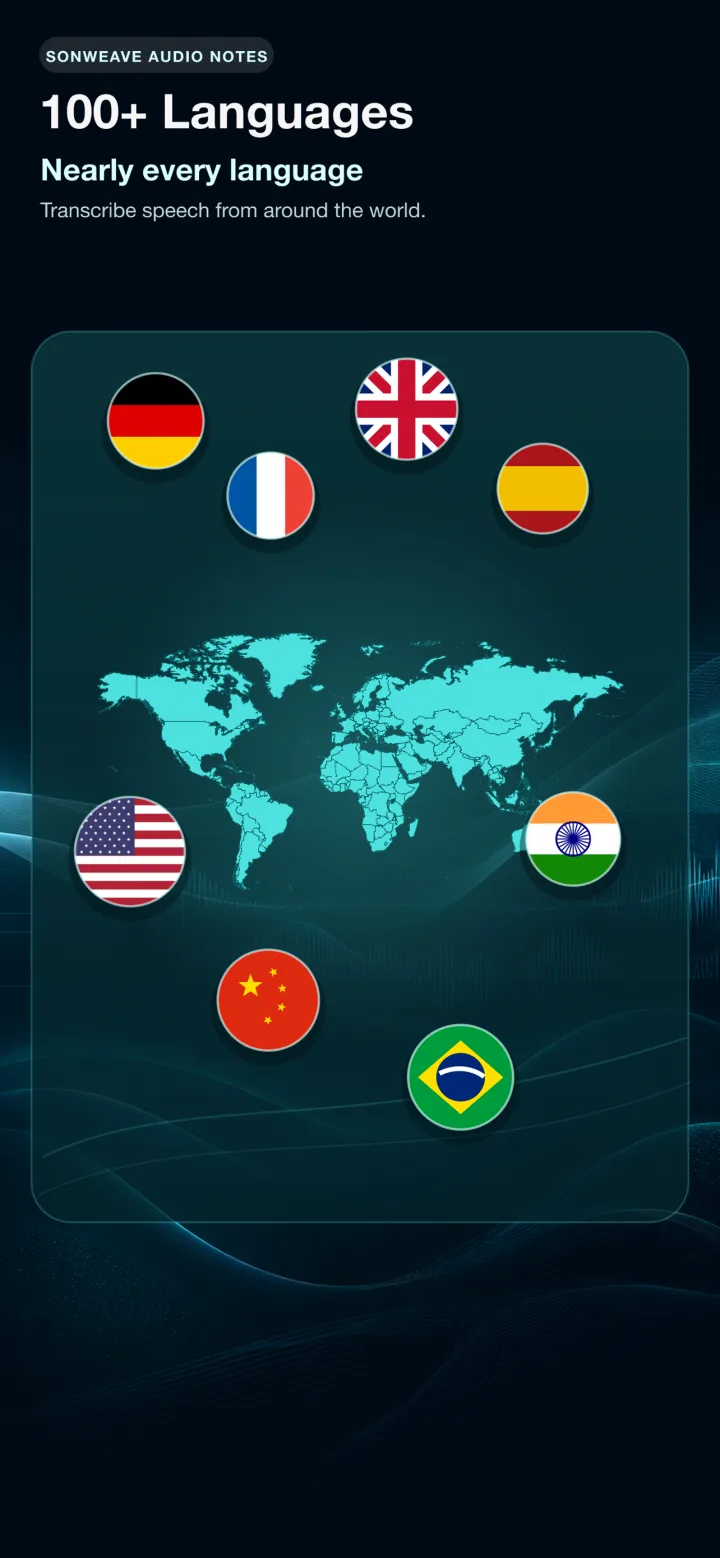
The app catalog contains 103 language options across Apple Speech, Whisper and Parakeet. Exact engine availability varies by language, iOS version and device; SonWeave hides incompatible choices.
Depending on the selected language and device, SonWeave can use local Apple Speech technologies, Whisper and Parakeet. Automatic mode resolves to a compatible option and can fall back when another local engine is available.
Yes. Use the iOS share sheet or save the media to Files and import it. The share extension offers the same language and engine compatibility logic as the main app.
Yes. Supported devices can generate summaries, chapters, key points, study questions and transcript cleanup with Apple Intelligence or optional local models. A basic local fallback is available for some tasks.
SonWeave supports useful document and subtitle formats including PDF, TXT, Markdown, Word, SRT and VTT. Available details can include timestamps and speaker labels.
No. The current launch plan is a paid App Store download for a one-time price of €5.99, subject to local storefront pricing and taxes.
That is the standard SonWeave is built toward: private local processing, multiple transcription engines, speaker diarization, transcript chat, broad language coverage and a one-time price in one focused iPhone and iPad app.
SonWeave is made for supported iPhone and iPad models. Performance and local AI features depend on chip, memory, iOS or iPadOS version and downloaded models.
Some local engines require a one-time model download before they can work offline. SonWeave communicates preparation progress and keeps downloaded models on the device; storage requirements vary by engine.
Live transcription is available when the selected language, engine and device support it. Other local engines process the recording after you stop; SonWeave shows when a model or recording session is being prepared.
SonWeave does not meter cloud transcription minutes. Practical limits are the free storage, memory and processing capability of the device, and long recordings naturally take longer to process.
Yes, iCloud Sync is optional. When enabled, supported content is stored in your private Apple iCloud account rather than a SonWeave account or transcription backend.
Turn private audio into speaker-aware, searchable knowledge — directly on your iPhone or iPad.
Get SonWeave for €5.99